How to improve TV image quality: the hidden HDMI setting
Many modern TVs require manual activation of the HDMI Deep Color feature to display HDR content correctly. This simple adjustment significantly enhances color depth and accuracy.
 💡Tech
Photo: UNIAN
Key points
- HDMI Deep Color enhances color depth to 10-12 bits
- Settings must be enabled manually for each HDMI port
- Crucial for achieving true HDR performance
Even if a TV supports HDR, it does not guarantee optimal image quality automatically. Many users are unaware that modern Smart TVs, gaming consoles, and streaming devices often require a specific setting to be enabled to fully utilize high-dynamic-range capabilities: HDMI Deep Color.
Optimizing your display settings
The HDMI Deep Color standard allows devices to transmit signals with a depth of 10 or 12 bits instead of the standard 8 bits. This eliminates banding in color gradients and makes the image significantly more realistic. Although the technology has been available since 2006, it is not always enabled by default when external devices are connected.
- Samsung: look for 'HDMI UHD Color' or 'Input Signal Plus'.
- LG: the option is labeled 'HDMI Deep Color' or 'Ultra HD Deep Color'.
- Sony and others: usually referred to as 'Enhanced format'.
If you notice that 4K movies or games look dull or lack saturation, you should check the settings for each HDMI port individually. Enabling this feature expands the display's color gamut from millions to billions of shades, ensuring unprecedented brightness and color precision.
Source UNIAN — unian.ua/techno/gadgets/shcho-take-hdmi-deep-color-i-chomu-cyu-funk… ↗
Read next
 💼Economy
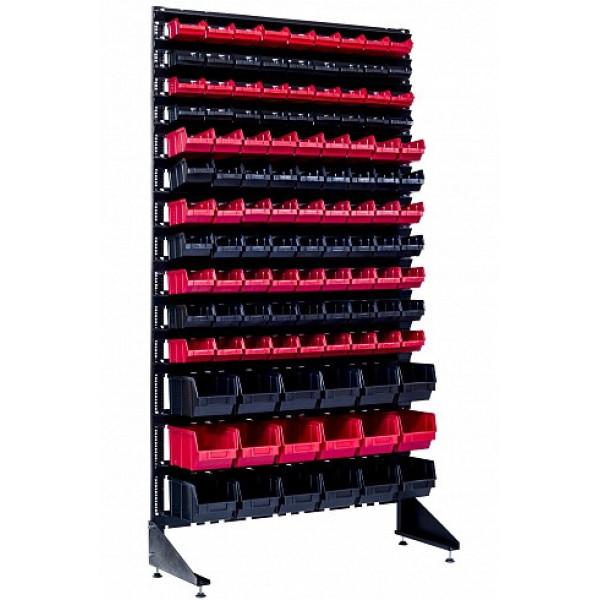
Optimizing Retail Space: How Hardware Racks Help Businesses in Hlukhiv
Efficient storage organization for small hardware allows local entrepreneurs to improve customer service and simplify inventory management.
 👥Society
Continuity of Struggle: How UPA History Influences Modern Ukrainian Units
The history of three generations of the Symchych family has become a symbol of the continuity of Ukrainian resistance and the ideological foundation of the modern Third A…
 🇺🇦Ukraine
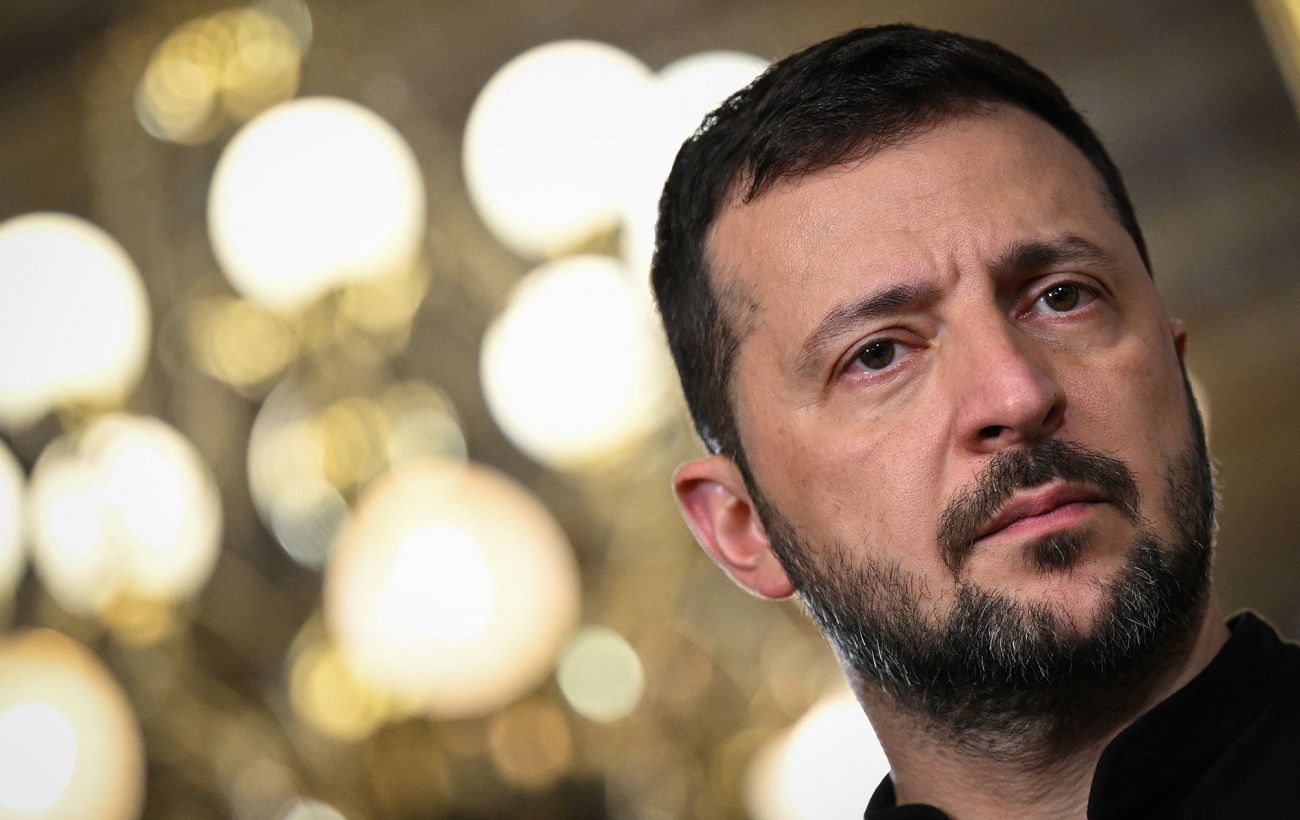
Zelenskyy: Ukraine seeks full NATO membership, not temporary security guarantees
President Zelenskyy stated that Ukraine needs permanent security through NATO membership rather than vague guarantees that offer only a temporary pause in hostilities.
 🛡️Security
Finland investigates airspace violation by Russian helicopter
The Finnish Ministry of Defence reported an illegal border crossing by a Russian helicopter near the city of Loviisa.
 ⚽Sport
Premier League Matchday 11: Chelsea routed as Tottenham shines
Saturday's Premier League action saw a heavy defeat for Chelsea against Leeds and solid victories for Tottenham and Bournemouth.
 🛡️Security
US unveils long-range strike drone Bombard
American company Vector has introduced a new development — the jet-powered strike drone Bombard, designed based on combat experience in Ukraine.